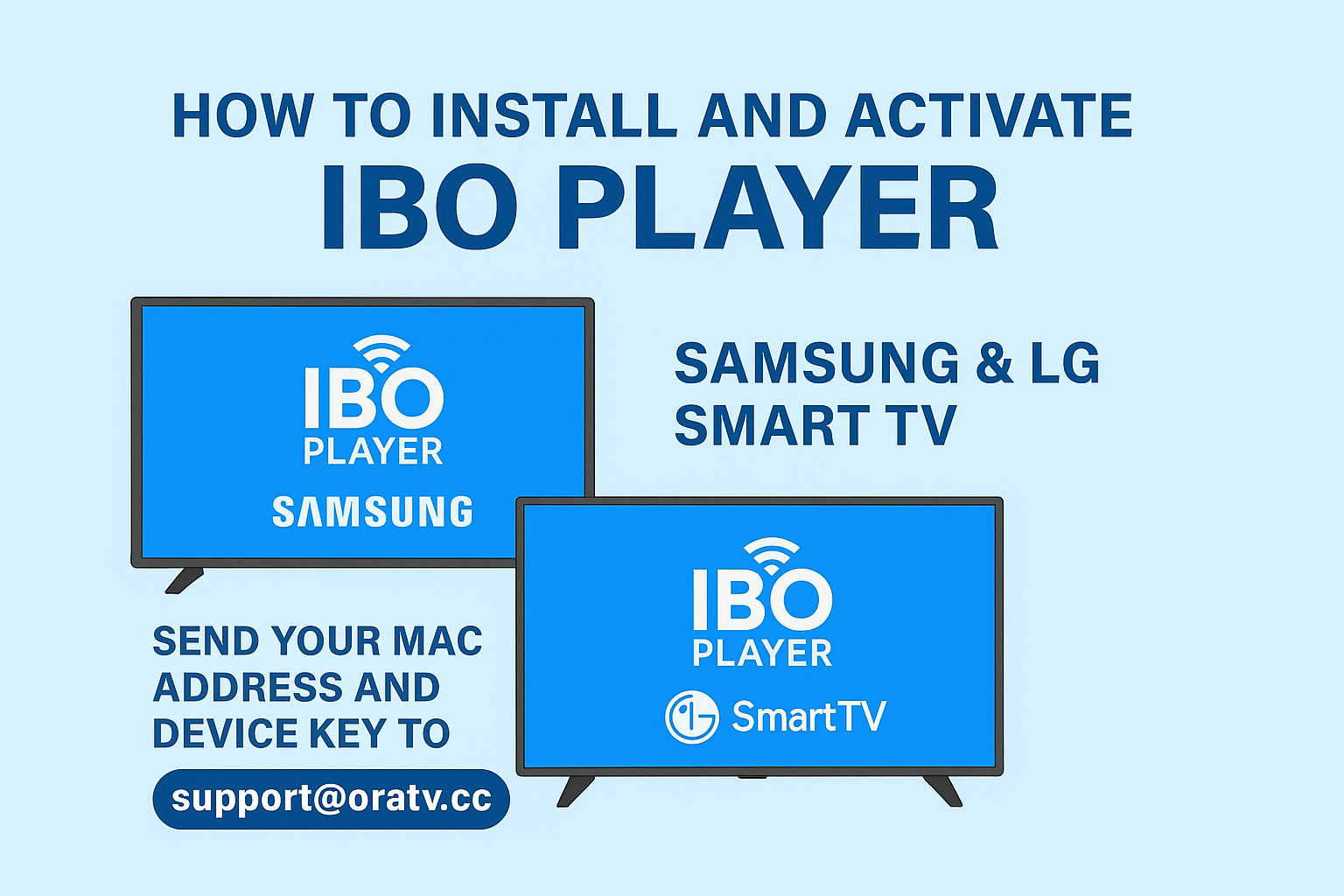
How to Install and Activate IBO Player on Samsung & LG Smart TVs
A simple step-by-step tutorial to download, install, and activate IBO Player on Samsung and LG Smart TVs. Follow these steps carefully to link your app with your IPTV service.
What You’ll Need
- A Samsung Smart TV or LG Smart TV connected to the Internet
- Access to the built-in App Store (Smart Hub for Samsung, LG Content Store for LG)
- An email account to send activation details
- Your IPTV subscription information (provided by your IPTV service)
Step 1: Open the App Store on Your TV
- Turn on your Samsung Smart TV or LG Smart TV.
- Go to the Apps section on your TV.
- Open the Samsung Smart Hub (for Samsung) or the LG Content Store (for LG).
Step 2: Search for “IBO Player”
- In the search bar, type IBO Player.
- Select the app from the list of results.
- Click Install to download and install it on your TV.
- Wait a few seconds for the installation to complete.
Step 3: Open IBO Player and Note the Details
- After installation, open the IBO Player app.
- On the main screen, you will see two important pieces of information:
- MAC Address
- Device Key
- Write them down or take a clear photo.
Step 4: Send Activation Information
- Open your email app or webmail on your phone or computer.
- Compose a new email to support@oratv.cc.
- In the email, include the following information:
Subject: IBO Player Activation
Message:
Hello,
Please activate my IBO Player.
MAC Address: [Your MAC Address]
Device Key: [Your Device Key]
Thank you,
[Your Name]
Step 5: Wait for Activation
Once your email is sent, the support team will process your activation. This usually takes a short time (from a few minutes up to a few hours).
After activation, reopen IBO Player on your TV and your IPTV playlists will be ready to use!
🎉 Done! You have successfully installed and activated IBO Player on your Samsung or LG Smart TV.
Tips
- Make sure your Internet connection is stable before installing.
- If you cannot find IBO Player in the store, check that your TV’s firmware is up to date.
- You can reinstall or reset the app anytime by deleting it from your Apps menu.
You’ve now installed IBO Player on your Samsung or LG Smart TV. Don’t forget to send your MAC Address and Device Key to support@oratv.cc to activate your service.